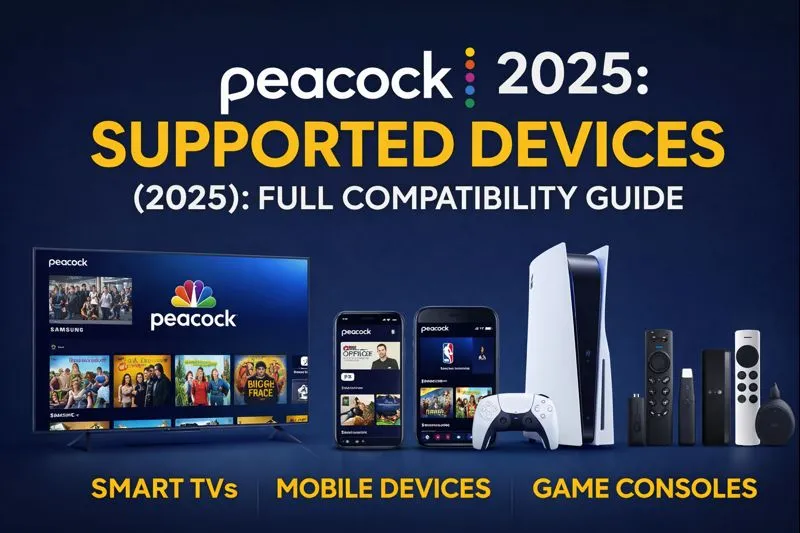
Peacock Supported Devices & System Requirements (2025): Full Compatibility Guide
Peacock Supported Devices & System Requirements (2025): Full Compatibility Guide
Introduction
Before subscribing to Peacock, one of the most common questions users ask is:
“Will Peacock work on my device?”
In 2025, Peacock supports a wide range of Smart TVs, streaming devices, mobile phones, and gaming consoles — but compatibility can vary depending on the operating system and app version.
This Peacock device compatibility guide (2025) breaks down everything you need to know so you can stream smoothly without technical surprises.
1. Smart TVs That Support Peacock (2025)
Peacock is compatible with most modern Smart TVs, including:
✅ Supported Smart TV Brands
- Samsung Smart TVs (2017 models & newer)
- LG Smart TVs (webOS 3.5+)
- Vizio SmartCast TVs
- Sony Android / Google TVs
- Hisense Smart TVs (Android/Google TV models)
❌ Not Supported
- Older Smart TVs released before 2017
- TVs without app store support
👉 Tip: If Peacock isn’t available on your TV, using a streaming device (like Roku or Fire TV) is the easiest workaround.
2. Streaming Devices Compatible With Peacock
Peacock works seamlessly with popular streaming devices, making it easy to watch on any TV:
✔ Supported Streaming Devices
- Roku (most models, including Roku TV)
- Amazon Fire TV & Fire Stick
- Apple TV (HD & 4K models)
- Chromecast with Google TV
- Xfinity Flex & X1 devices
Streaming devices often receive Peacock updates faster than built-in TV apps.
3. Mobile Devices & Tablets That Support Peacock
Peacock is fully optimized for mobile viewing in 2025.
📱 Supported Mobile Devices
- Android phones & tablets (Android 8.0+)
- iPhone & iPad (iOS 15+)
- Amazon Fire tablets (supported versions)
❌ Not Supported
- Windows phones
- Older Android or iOS versions
Mobile devices also support Peacock offline downloads (Premium Plus only), making them ideal for on-the-go viewing.
4. Peacock on Computers & Web Browsers
You can stream Peacock directly in a web browser without installing any app.
🌐 Supported Browsers
- Google Chrome (latest version)
- Mozilla Firefox
- Microsoft Edge (Chromium-based)
- Safari (macOS)
💻 System Requirements
- Stable internet connection (minimum 5 Mbps)
- Updated browser with cookies & JavaScript enabled
- HTML5 video support
❌ Internet Explorer is no longer supported.
5. Gaming Consoles That Support Peacock
Gamers can also stream Peacock directly on consoles:
🎮 Supported Consoles
- PlayStation 4
- PlayStation 5
- Xbox One
- Xbox Series X / Series S
Peacock apps on consoles are ideal for large-screen streaming without needing a Smart TV.
6. Internet Speed Requirements for Peacock Streaming
To avoid buffering or quality drops, Peacock recommends:
| Streaming Quality | Internet Speed |
|---|---|
| SD (Standard) | 3 Mbps |
| HD (720p / 1080p) | 5–8 Mbps |
| Full HD / Live Sports | 8–12 Mbps |
For the best experience, especially during live sports, a wired or strong Wi-Fi connection is recommended.
7. Common Peacock Device Issues & Fixes
❗ App Not Showing on TV
- Check TV model year
- Update TV firmware
- Use a streaming stick instead
❗ Peacock App Crashing
- Update the app
- Restart device
- Clear cache (Android/Fire TV)
❗ Playback or Buffering Issues
- Test internet speed
- Restart router
- Reduce background downloads
Most Peacock device issues are easily fixed with updates or restarts.
8. Best Devices for Streaming Peacock in 2025
If you’re choosing a new device specifically for Peacock, these perform best:
✔ Roku Ultra
✔ Amazon Fire TV Stick 4K
✔ Apple TV 4K
✔ Google TV Chromecast
✔ PlayStation 5
These devices offer fast app loading, stable streaming, and better updates.
Want to know about, Want to know about, Peacock Profiles & Simultaneous Streams (2026): How Many Users Can Watch at Once. Read our latest blog.
Conclusion
Peacock Free Trial in 2025 supports almost every major streaming device, Smart TV, mobile platform, and gaming console. As long as your device meets basic system requirements, you’ll be able to stream Peacock smoothly.
If your TV isn’t compatible, a low-cost streaming device can instantly unlock full access — making Peacock one of the most flexible streaming services available today.